

How do you record on two Zoom F8s with one button?
Soak Up Sound · 2 min read
One controller, two recorders, 16 inputs. REC and STOP go to both machines at once.
Fader Bridge stays connected to two F8-series recorders at the same time. You get 16 inputs under one controller and one record button for both machines.
How to set it up
- Turn on F8 Control on both recorders (MENU › SYSTEM › Bluetooth).
- The second recorder joins by itself, with no pairing or mode switching.
- Each recorder keeps its place: after a restart the faders do not swap machines.
How it works on set
- REC and STOP go to both recorders at once. Recording on both machines starts and stops with one button.
- Faders switch between recorders: on the nanoKONTROL with the scene button (1 and 3 → recorder A, 2 and 4 → B), on the X-Touch with BANK / CHANNEL.
- The display shows which recorder you control, and the other one's status appears as a dot in the header.
- A controller mapping made in the wizard is stored separately for each recorder.
Products in this article
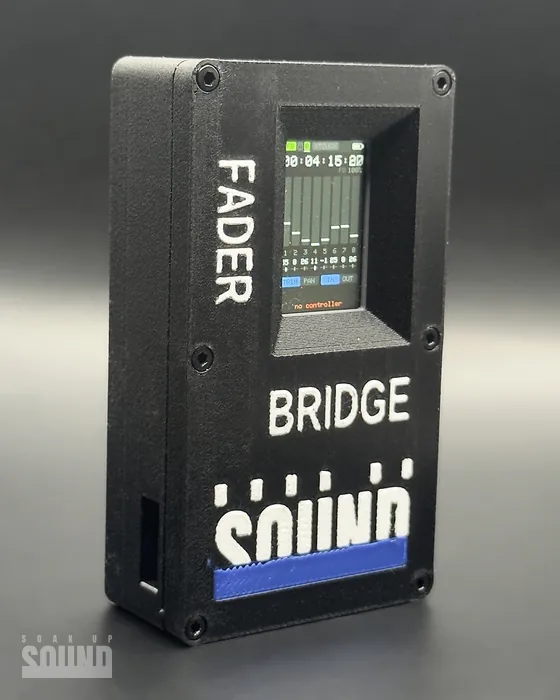
Fader Bridge€119
Questions and comments
- …